License Settings
Your licence determines who can open projects and how many projects can be opened simultaneously across your company. Kryptos uses an Account License model: users sign in to their accounts, and each company is allocated a fixed number of licenses or seats.
A license or seat is occupied each time a project is opened and gets released when the project is closed.
Account License
Where to Find It
You can access your licence details from two places.
On the Home screen, click your name at the bottom of the sidebar. Your company's name is displayed at the top of the sidebar.
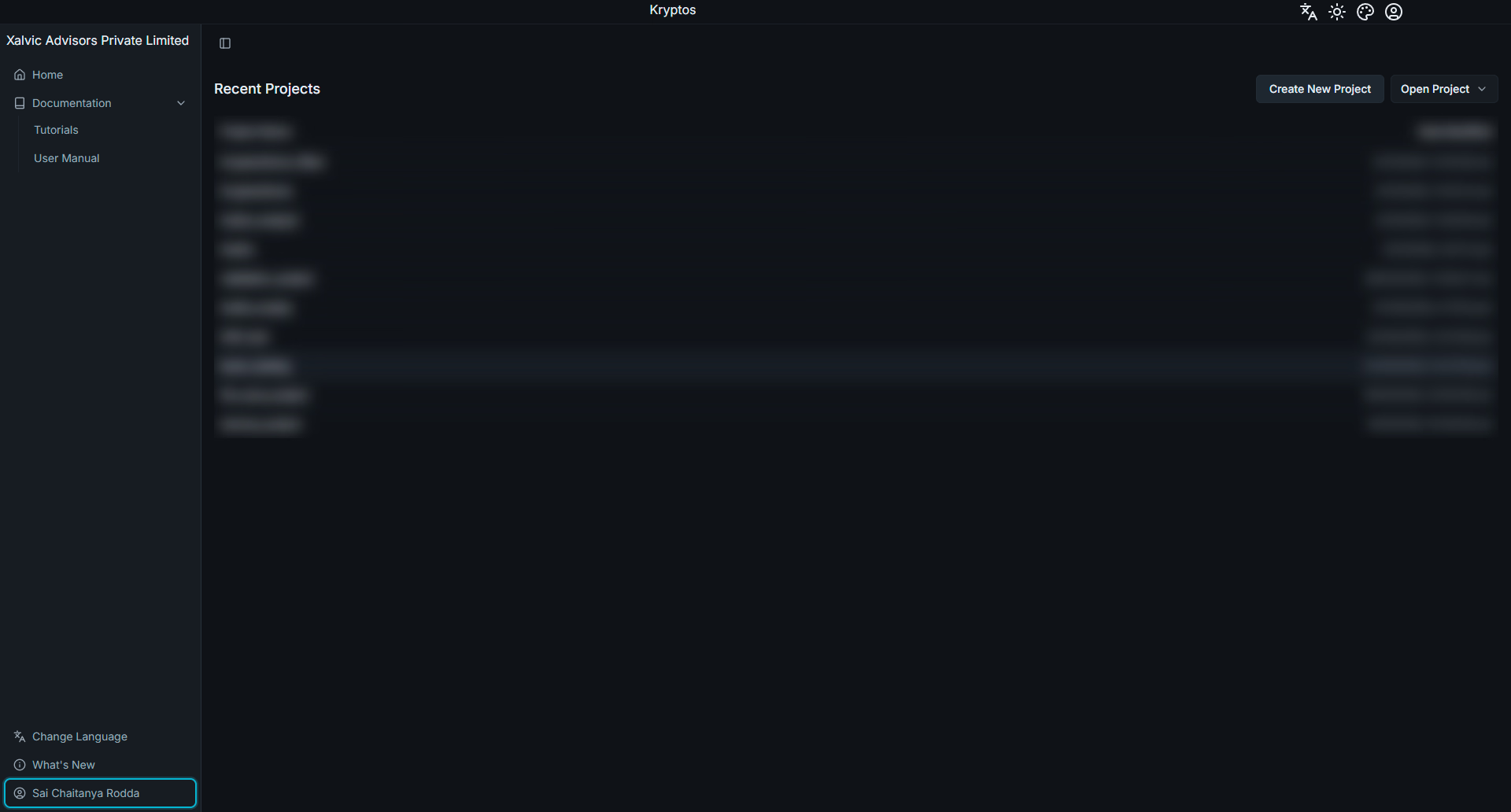
Click your name to open the licence details.
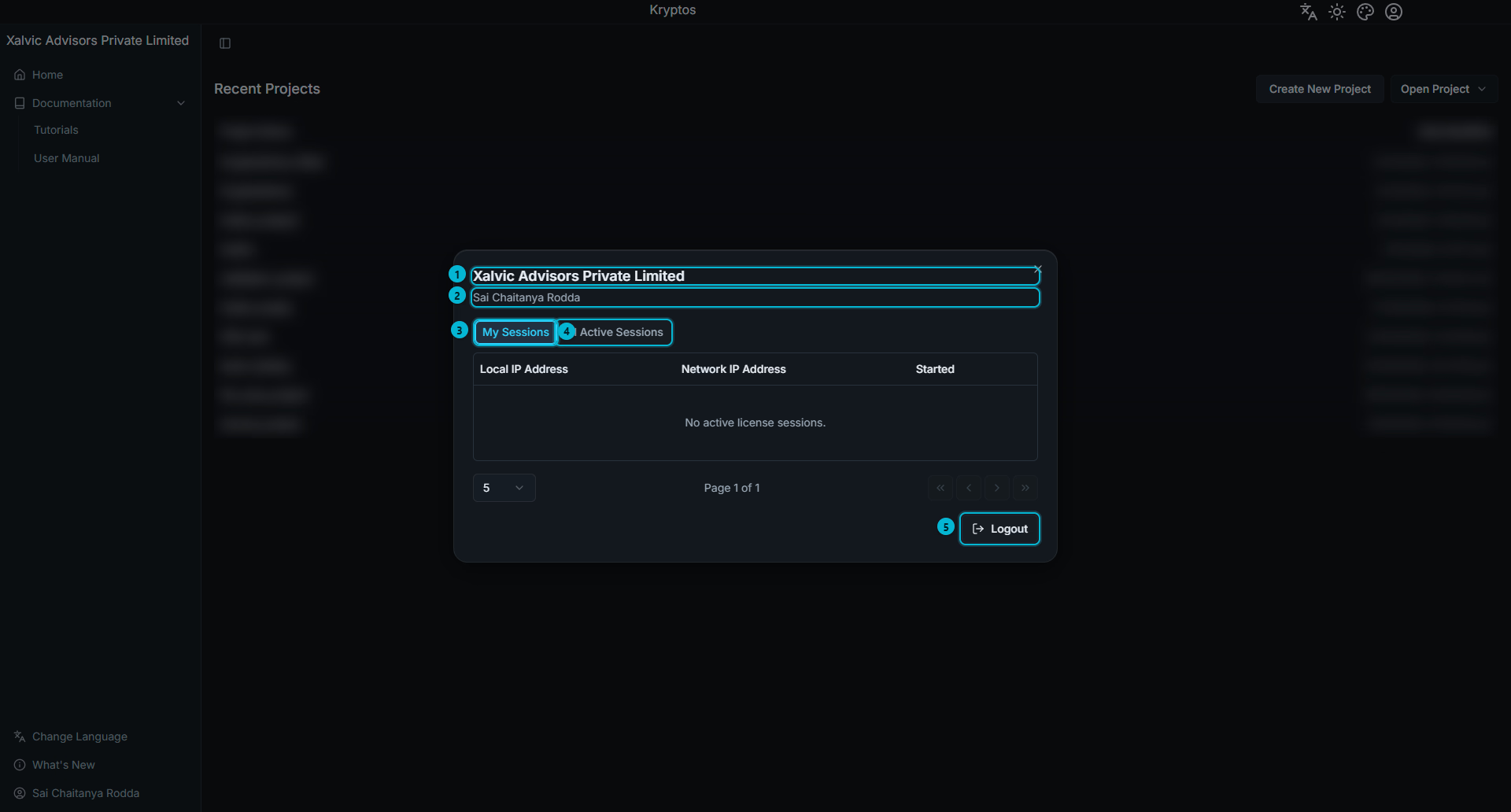
The account dialog displays the following information and options:
- Company — the company associated with your license.
- User — the account you are currently signed in with.
- My Sessions — a list of your own active sessions.
- All Active Sessions — a list of all active sessions across your company.
- Logout — signs you out of your account.
When a project is open, you can access the same details by clicking the account icon at the top-right of the title bar.
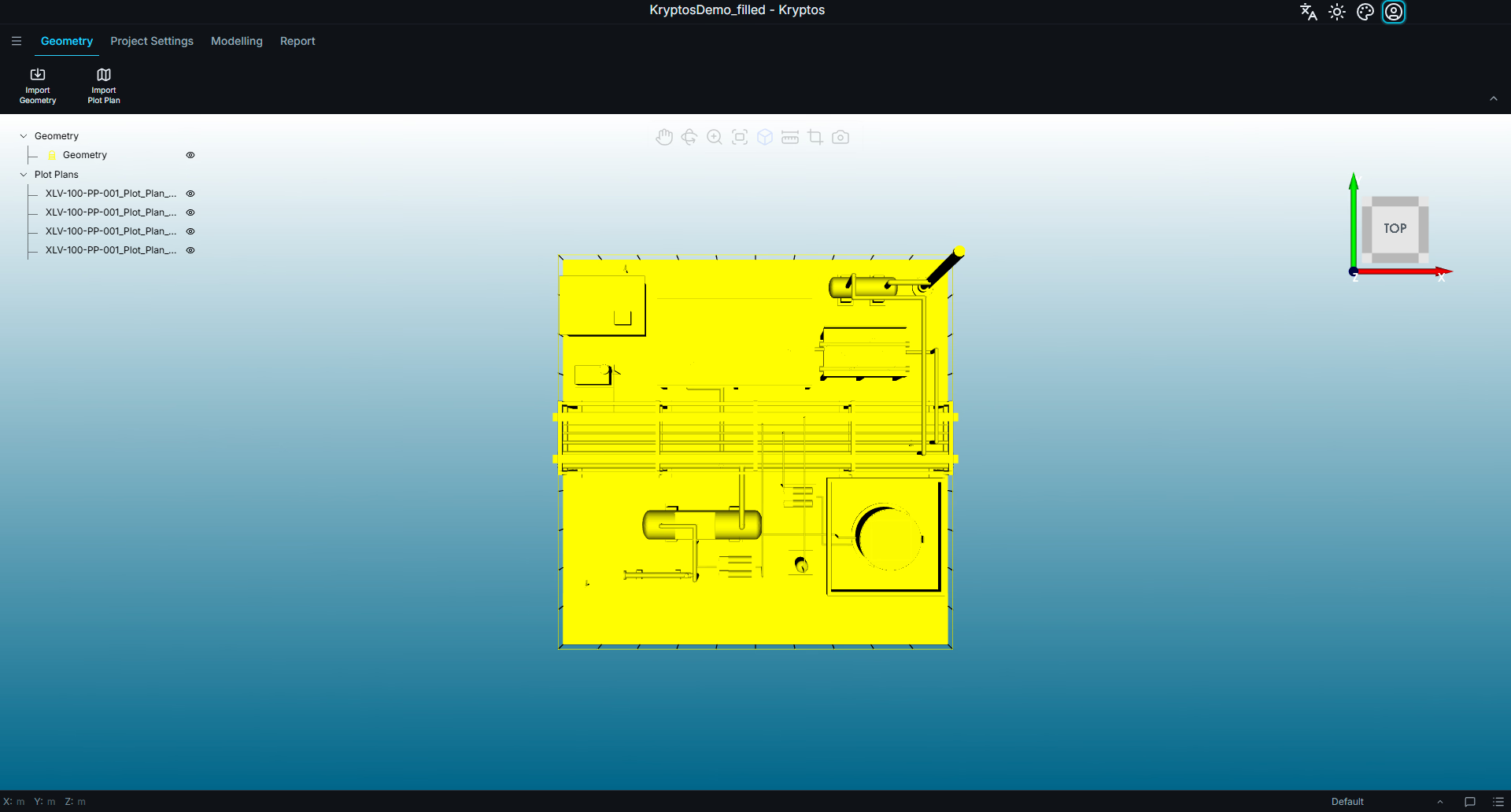
My Sessions
A session represents one seat in use. Each project you have open occupies a separate seat, including projects open on different computers.
My Sessions lists all your active sessions, along with the local and network IP addresses of the computers running them and the time each session started.
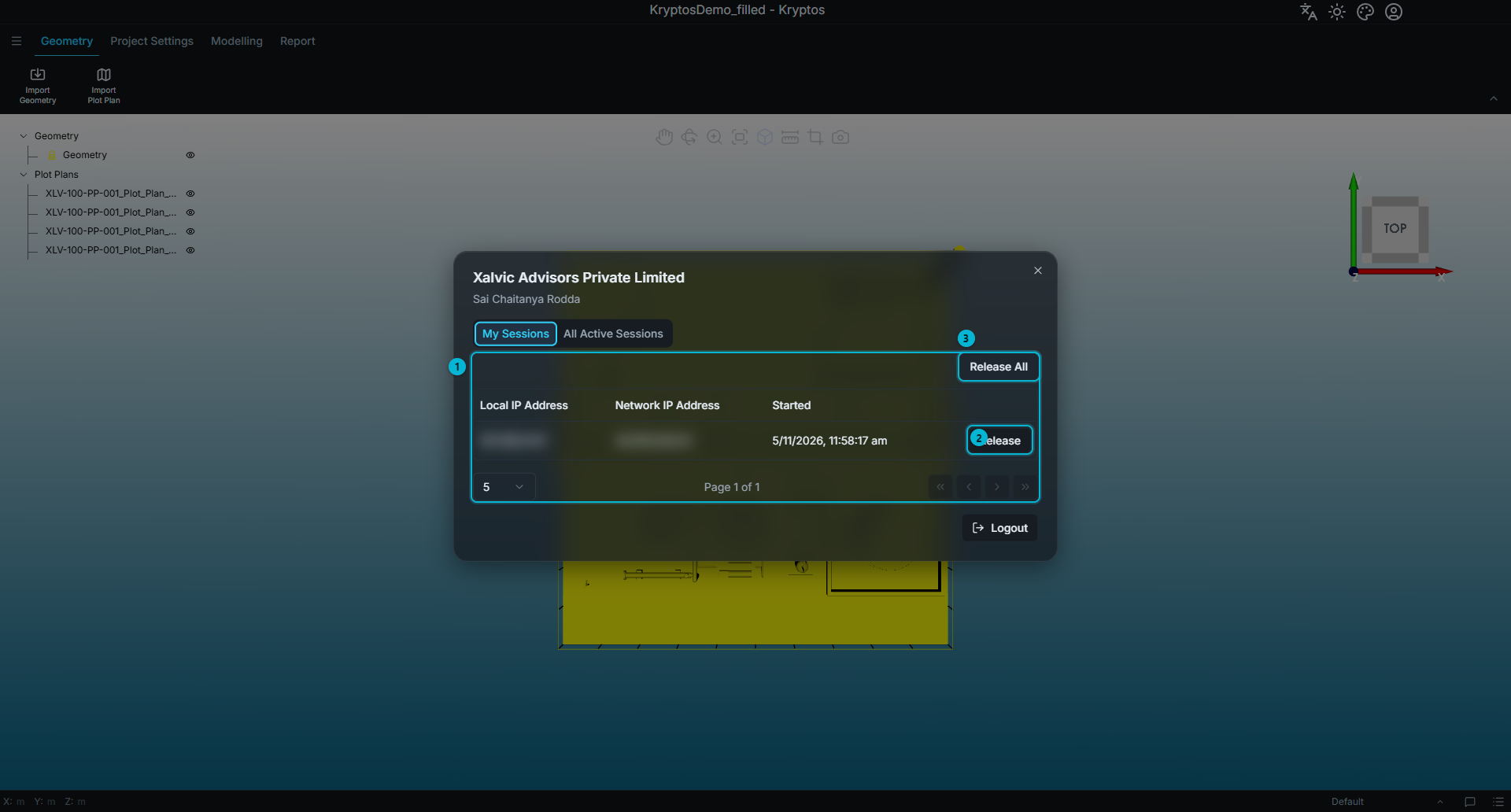
The available options are:
- Sessions — displays one row for each license or seat currently in use by your account.
- Release — releases the selected seat.
- Release All — releases all seats listed, after asking you to confirm.
Releasing a session is primarily intended for situations where Kryptos has closed unexpectedly. A crash or loss of connection may leave a seat occupied even though the project is no longer in use.
TIP
If you cannot open a project because all available seats are in use, check My Sessions first. One of your own sessions may still be occupying a seat after Kryptos closed unexpectedly. Releasing that session makes the seat available again.
All Active Sessions
All Active Sessions lists every seat currently in use across your company, including the user occupying each seat. This allows you to monitor how many of your company's allocated seats are currently in use.
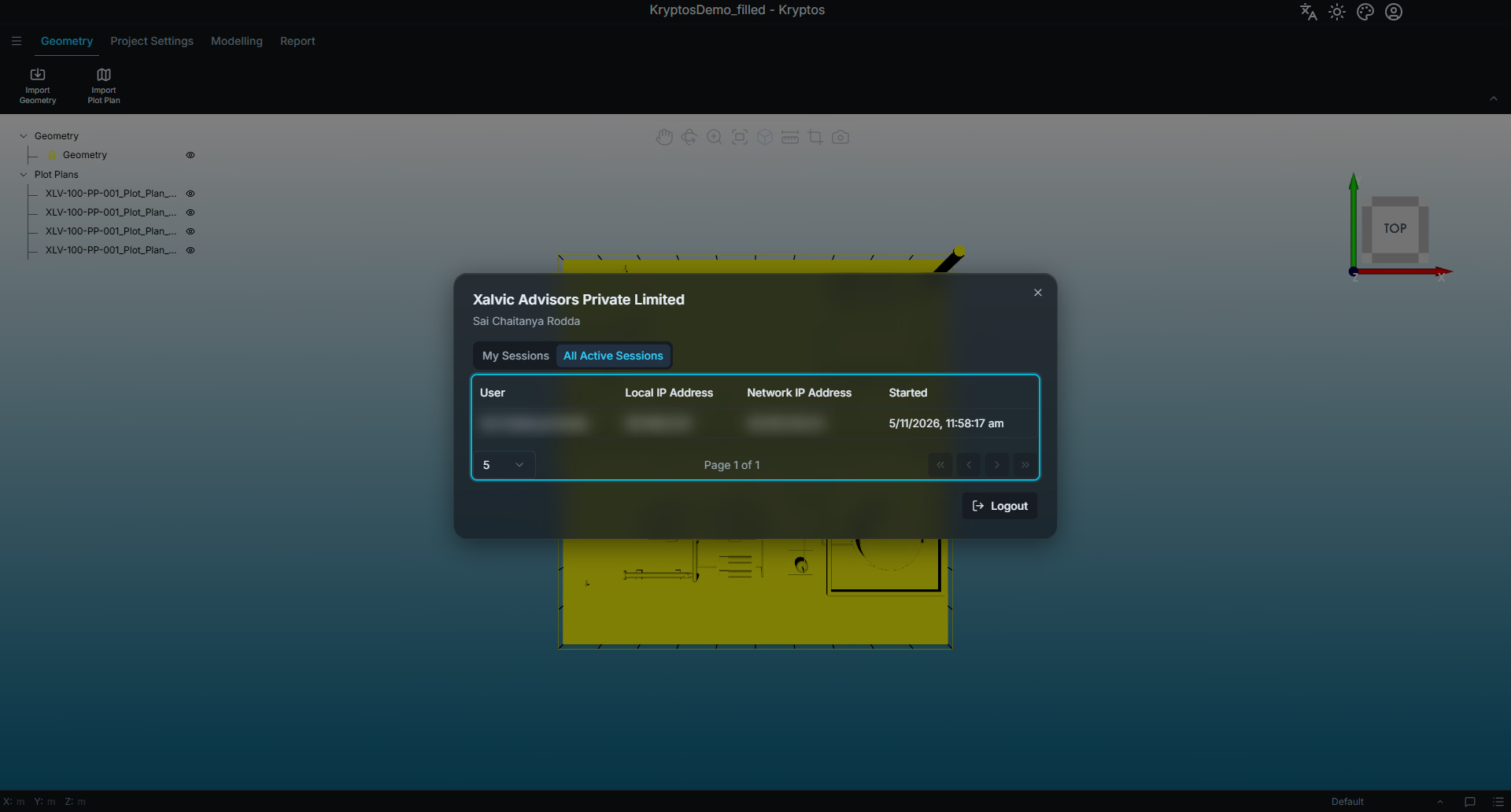
Only company administrators can release sessions belonging to other users. Other users can view the complete list but can release only their own sessions.
WARNING
Releasing another user's seat closes the project they are working on. Kryptos notifies them that their seat is no longer valid and gives them the opportunity to save their changes first.
Release another user's seat only after confirming that the session is no longer in use.
Related
- Signing In & Projects — signing in to your Kryptos account and starting a project.